Thinkdiag 2 Dz Software About
| Voltage |
24 Volts |
| Compatible Engine Variant |
BS6 |
| Type |
Bluetooth Scanners |
| Language Type |
English |
| Operating System |
Android |
| Warranty |
1 Year |
| Bluetooth Connectivity |
Available |
| Availability |
In Stock |
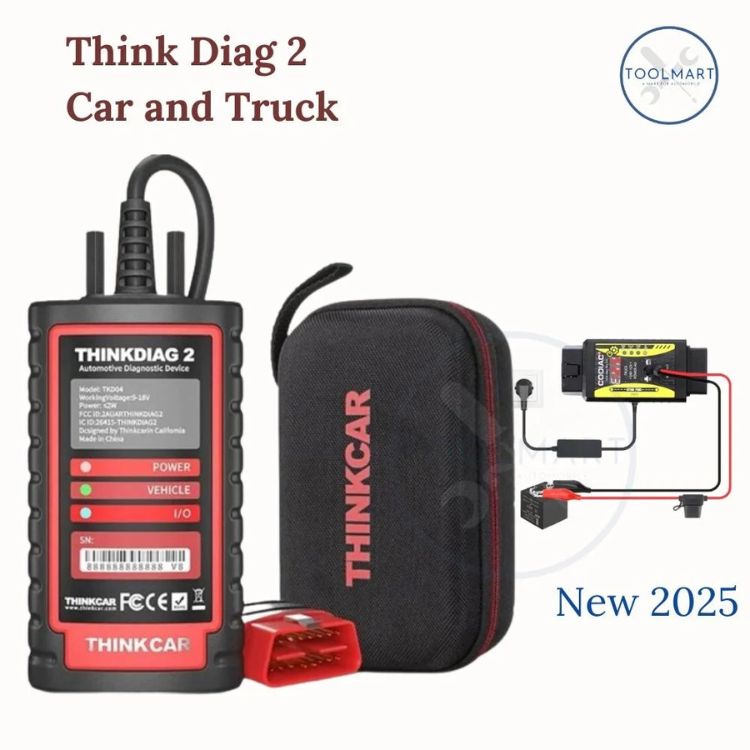
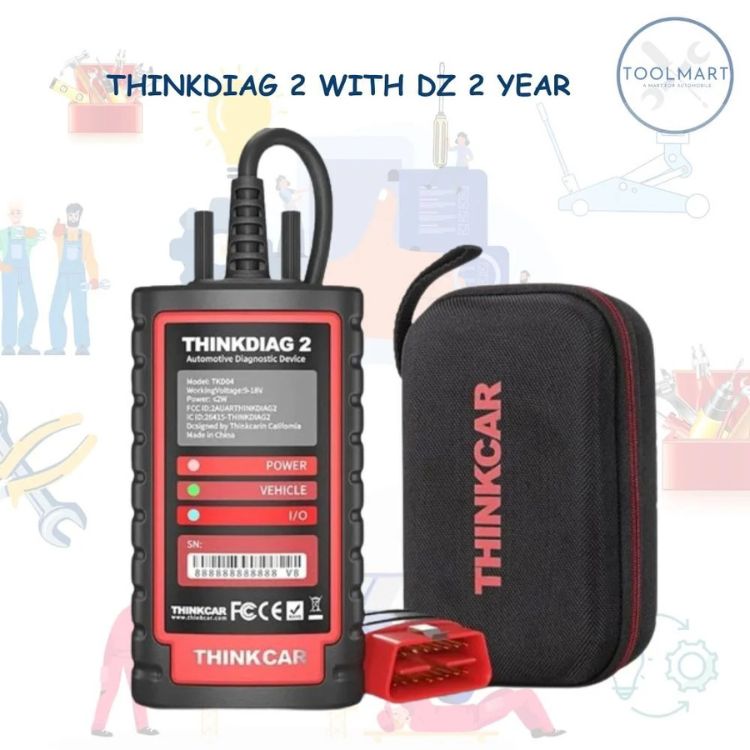
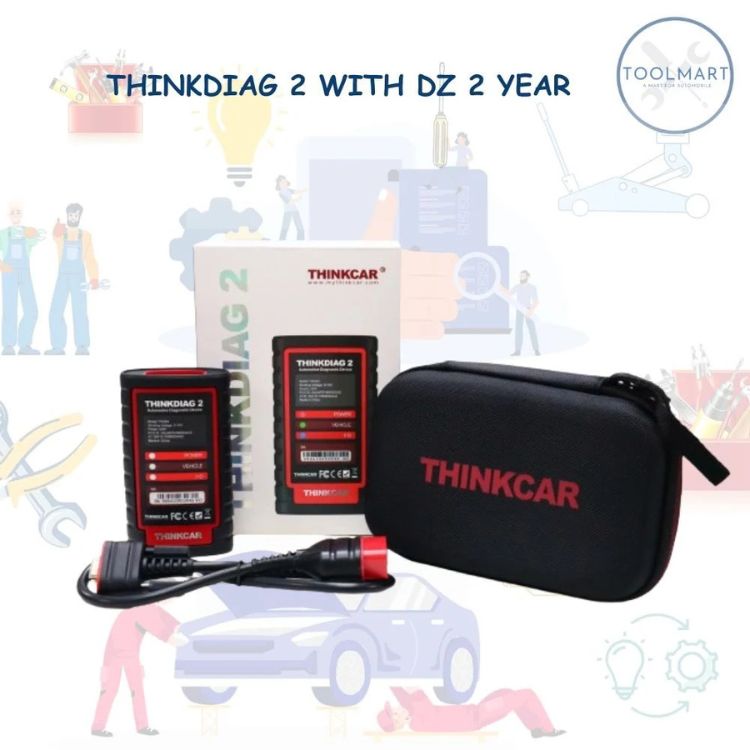
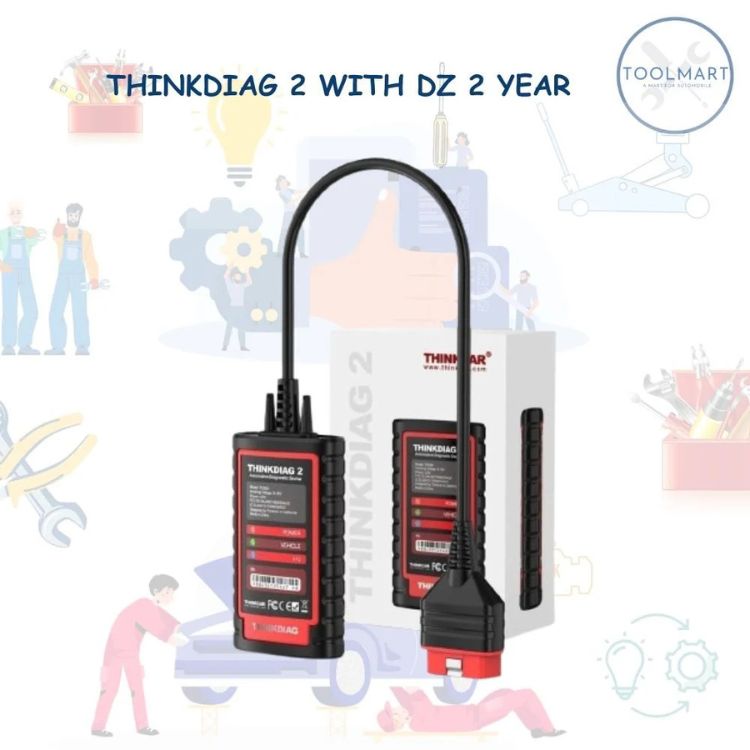
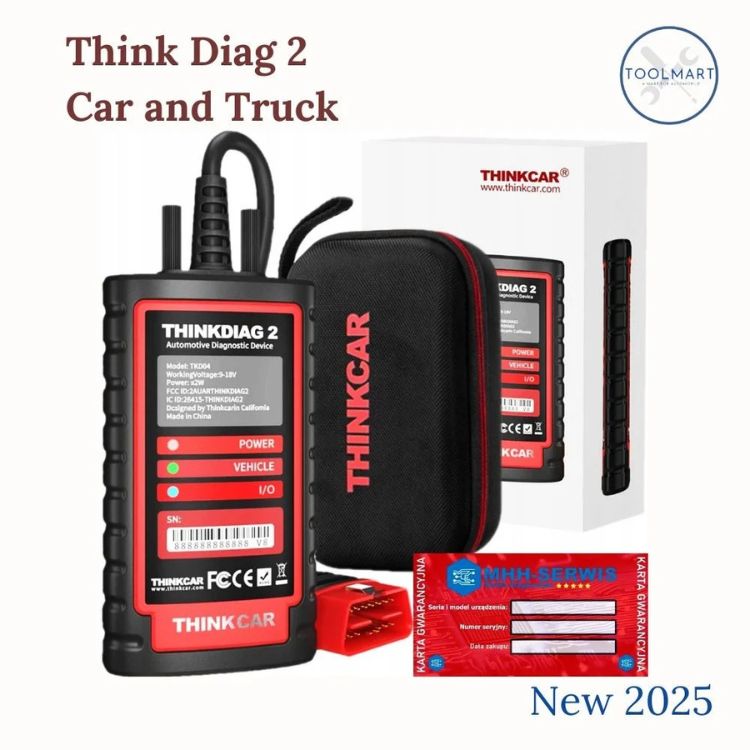
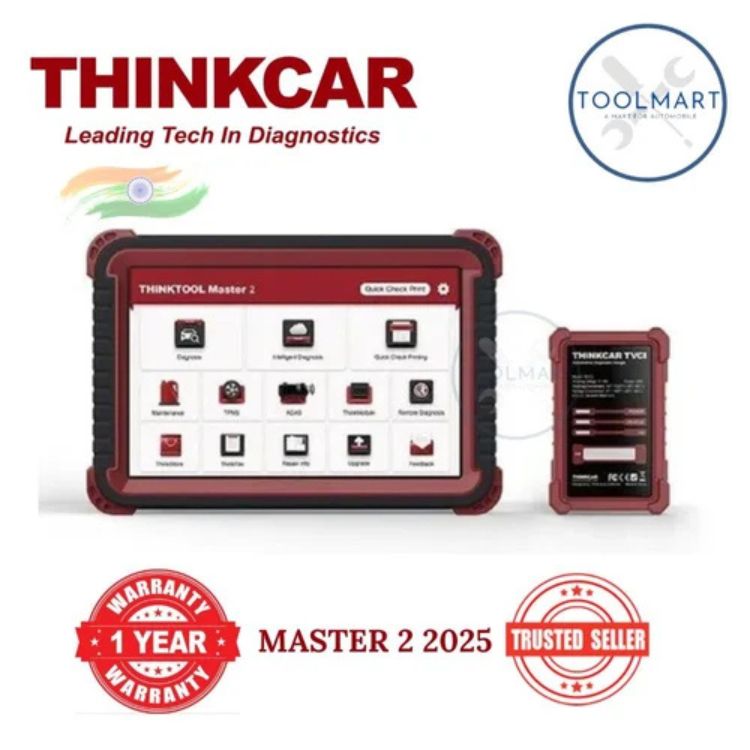
Thinkdiag 2 DZ Software is an advanced diagnostic tool designed for automotive professionals and enthusiasts. It offers comprehensive vehicle diagnostics, including reading and clearing trouble codes, live data streaming, and advanced functions for various car models. The user-friendly interface ensures easy navigation, while its compatibility with multiple vehicle brands enhances its versatility. With regular updates and a robust support system, Thinkdiag 2 DZ Software is an essential asset for efficient vehicle maintenance and repair.
Smart Diagnostics for Every VehicleThe Thinkdiag 2 DZ brings advanced diagnostics to both car and truck owners, offering reliable performance with easy Bluetooth connectivity. Designed for professionals and vehicle enthusiasts alike, it ensures prompt fault detection and vehicle data analysis. Its compatibility with Android devices makes it highly accessible for workshops and mobile operations across India. With a robust build and user-focused design, it's an essential tool for keeping vehicles in optimal condition.
Reliable, Efficient, and Long-lastingBuilt for professional use, the Thinkdiag 2 DZ combines quality construction and sophisticated software to deliver long-lasting, dependable service. The tool is crafted from high-grade plastic, sporting a professional black and red finish. Its warranty and extended working life offer peace of mind, while user-friendly processes make diagnostics quick and hassle-free for any automotive professional.
FAQ's of Thinkdiag 2 Dz Software:
Q: How do I connect the Thinkdiag 2 DZ to my vehicle and Android device?
A: Simply plug the Thinkdiag 2 DZ into your vehicle's diagnostic port, then open the compatible app on your Android device. Use Bluetooth to pair the device with your phone or tablet, following the on-screen instructions for seamless connectivity.
Q: What types of vehicles can I use the Thinkdiag 2 DZ with?
A: The Thinkdiag 2 DZ is designed for use with both cars and trucks, making it suitable for a wide range of vehicles in professional and personal settings.
Q: When should I use the Thinkdiag 2 DZ diagnostic tool?
A: Use the Thinkdiag 2 DZ whenever you need to identify and troubleshoot vehicle faults, perform regular maintenance checks, or monitor performance data. It's most useful during routine service visits, pre-purchase inspections, or whenever warning lights appear.
Q: Where can I purchase the Thinkdiag 2 DZ in India?
A: You can acquire the Thinkdiag 2 DZ through authorized dealers, importers, retailers, service providers, suppliers, and traders across India.
Q: What is the process for using Thinkdiag 2 DZ software for vehicle diagnostics?
A: First, connect the Thinkdiag 2 DZ to your vehicle's OBD port. Next, establish Bluetooth connectivity with your Android device, launch the diagnostic app, and follow the prompts to perform scans, view reports, and receive troubleshooting advice.
Q: What are the main benefits of using the Thinkdiag 2 DZ for diagnostics?
A: This tool offers fast, reliable diagnostics, wireless convenience via Bluetooth, compatibility with numerous vehicles, extended working life, and support through warranty-making it a robust choice for automotive professionals.






 Send Inquiry


 Send Inquiry