Thinktool Expert 391 About
- Superior Hardware
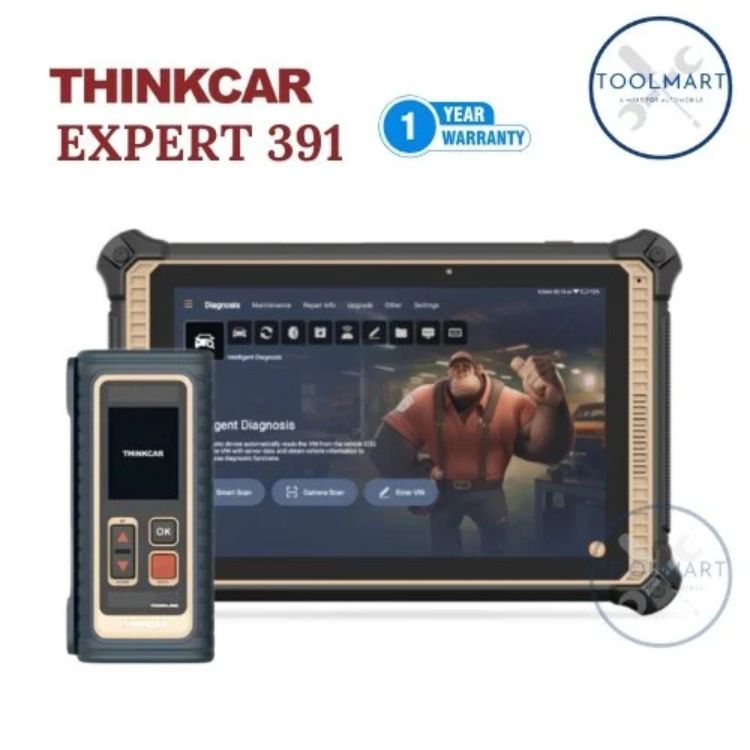
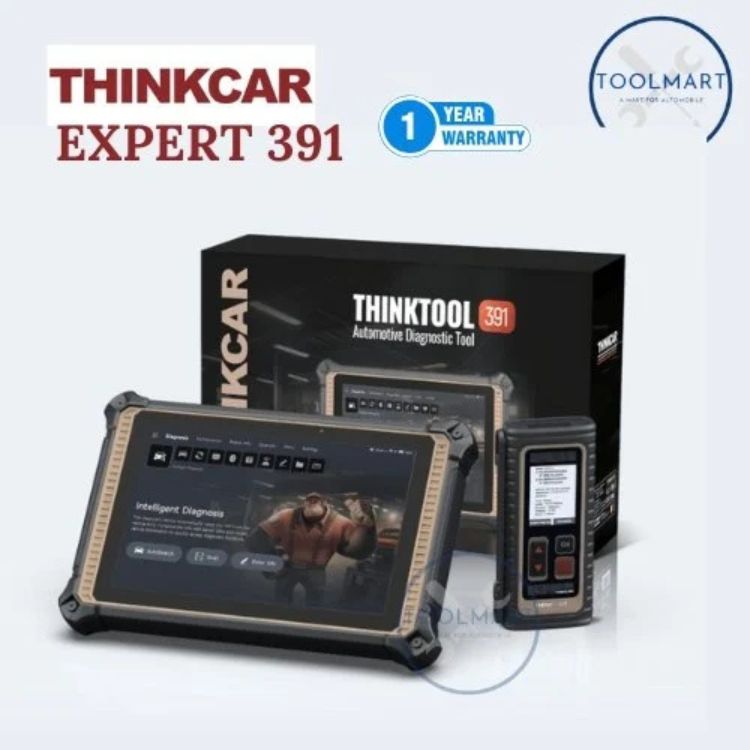
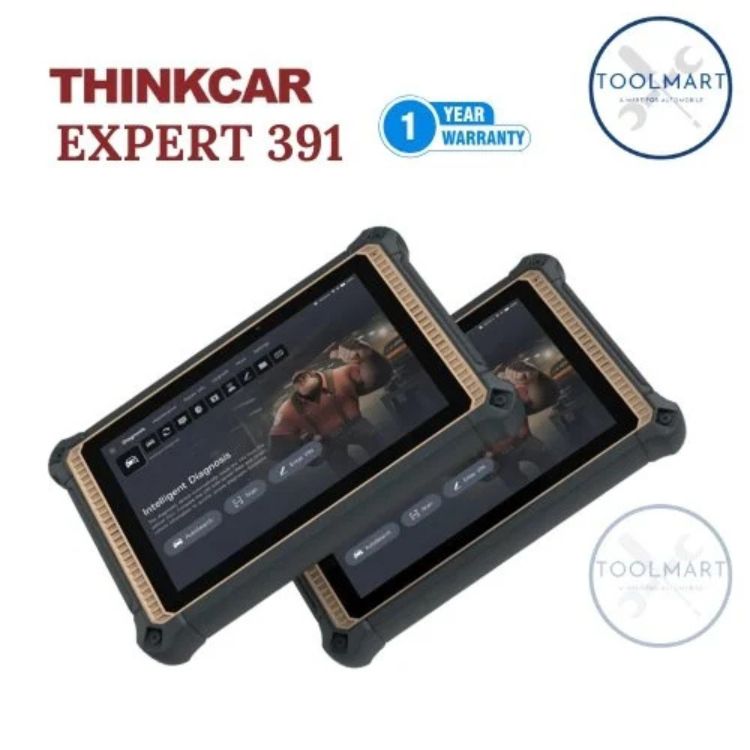
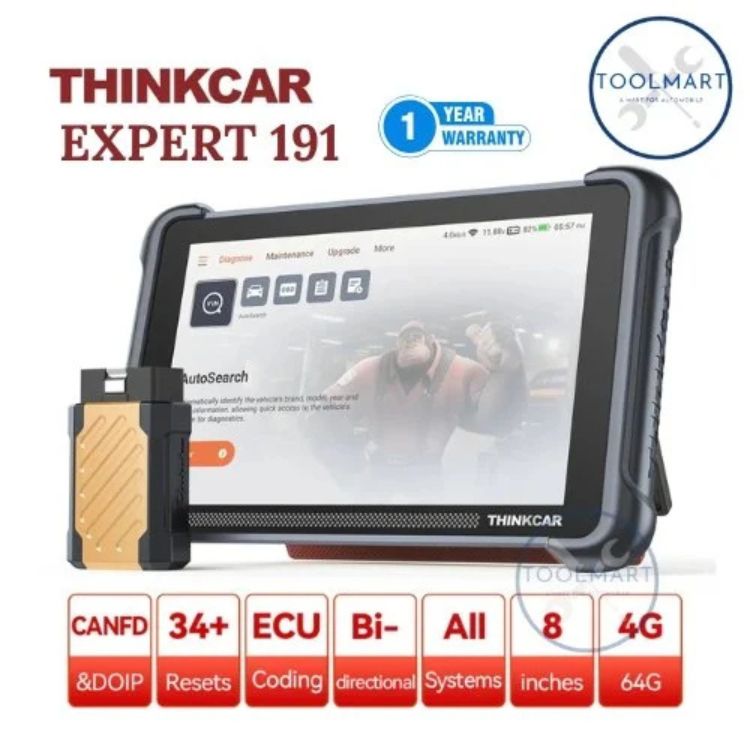
10.1-inch 1280x800 resolution IPS screen, with 4 cores MT8766 high-performance processor, 4GB+128GB memory, 13MP rear camera flash. Supports dual Wi-Fi communication with faster diagnostic
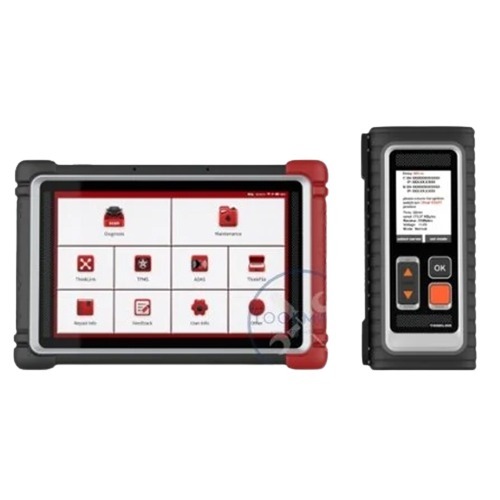
- Equipped THINKLINK Lite VCI
Support CAN 2.0/CAN FD/DoIP/J2534 commonly used diagnostic protocols, supports more than 300+ passenger vehicles, EV cars and heavy duty
- Dual Video Remote Diagnostics
THINKCAR remote diagnosis provides a safe, stable and efficient cloud data channel. Users can get help via audio or video calls from qualified cloud technicians on diagnosis, programming, anti-theft matching, ADAS calibration, troubleshooting, etc
- OE-Level Full System Diagnostics
The new Expert 391 support advanced diagnostics function, such as full system scan, special function, actuation test, coding and online programming function
- Powerful Online Programming Function
Support powerful online programming function for Audi, BMW, Landrover, Mercedes-Benz, Nissan, Porsche, Seat, Skoda, Subaru, VW and more
- Expansion Functional Module Support
Support THINKCAR functional modules such as battery tester clips, Video Scope, Scope box, TPMS tools, PROG key programmer ADAS etc
- 41 Maintenance Functions and Resets
Including A/F Reset, Windows Calibration, Tyre Reset, Transport Mode, ODO Meter, Sus Reset, Sun Roof, Stop/Start Reset, Seats Calibration and much more.
| Voltage |
12 Volts |
| Compatible Engine Variant |
BS6 |
| Operating System |
Android |
| Technical Support |
12 Month |
| RAM |
4GB |
| Warranty |
1 Years |
| Bluetooth Connectivity |
Available |
| Compatible Vehicles |
CARS |
| Working Voltage |
12V |
| Battery |
12000+ MAH |
| Model Name/Number |
391 |
Versatile Automotive Diagnostic ToolThe 391 Thinktool Expert excels in scanning and diagnosing both cars and trucks, offering seamless compatibility across multiple vehicle types. Its intuitive Android operating system streamlines the diagnostic process, providing fast and accurate results. Whether for routine checks or complex troubleshooting, this tool empowers professionals and vehicle owners alike to maintain vehicles efficiently.
Built for Industry ProfessionalsSpecially crafted for use by dealers, service providers, importers, retailers, suppliers, and traders in the automotive industry across India, the Thinktool Expert enhances diagnostic capabilities in workshop settings. Its sturdy construction and ergonomic design ensure reliable long-term use, while the generous display and portable size make it convenient for varied workplace environments.
FAQ's of 391 Thinktool Expert:
Q: How does the 391 Thinktool Expert operate for car and truck scanning?
A: The 391 Thinktool Expert utilizes an Android operating system, allowing users to interact easily with its interface. Simply connect the device to your vehicle via its OBD-II port, follow on-screen instructions, and initiate a scan to diagnose and interpret results quickly.
Q: What vehicles are compatible with the Thinktool Expert scanner?
A: This scanner is suitable for both cars and trucks, accommodating most vehicles that support standard diagnostic protocols, making it a versatile tool for automotive professionals and owners alike.
Q: When should I use the Thinktool Expert for diagnostics?
A: It is recommended to use this scanner during routine maintenance, when a vehicle warning light appears, or whenever troubleshooting unusual vehicle performance to identify and address issues early.
Q: Where can I purchase the 391 Thinktool Expert in India?
A: You can obtain this product from authorized dealers, importers, retailers, service providers, suppliers, and traders throughout India. Check with local automotive equipment suppliers or trusted online platforms for availability.
Q: What is the process for using the Thinktool Expert scanner?
A: To use, power the device using your vehicle's 12-volt system, connect it to the vehicle's OBD-II port, and navigate through the Android interface. Follow prompts to run diagnostics, view results, and access recommended solutions.
Q: How does owning the Thinktool Expert benefit automotive businesses?
A: Businesses benefit from improved diagnostic efficiency, quicker turnaround times, and enhanced customer satisfaction. Its accurate readings and ease of use streamline vehicle assessments, contributing to better service outcomes.






 Send Inquiry


 Send Inquiry